
Caffeine Tracker
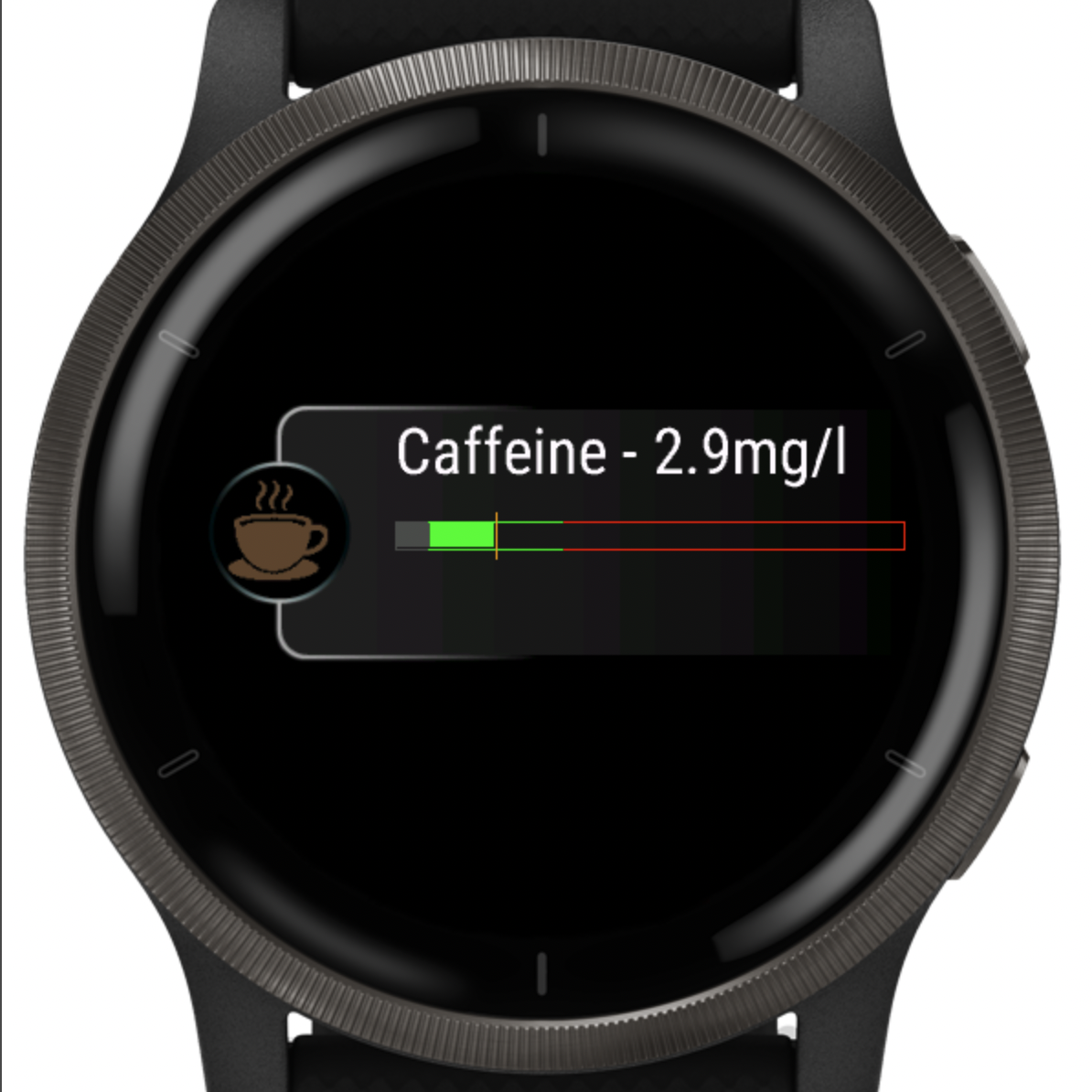
How it works: the widget estimates your current caffeine level (mg/L), applies half-life decay over time, and predicts when you’ll drop below your sleep-safe threshold.
What does “mg/L” mean?
mg/L means milligrams of caffeine per liter. The app uses mg/L as a practical “concentration-like” score: it’s easier to interpret than total mg alone, because body weight influences how strong caffeine feels.
- The same drink affects people differently
- Body weight changes concentration
- Concentration makes thresholds easier to understand
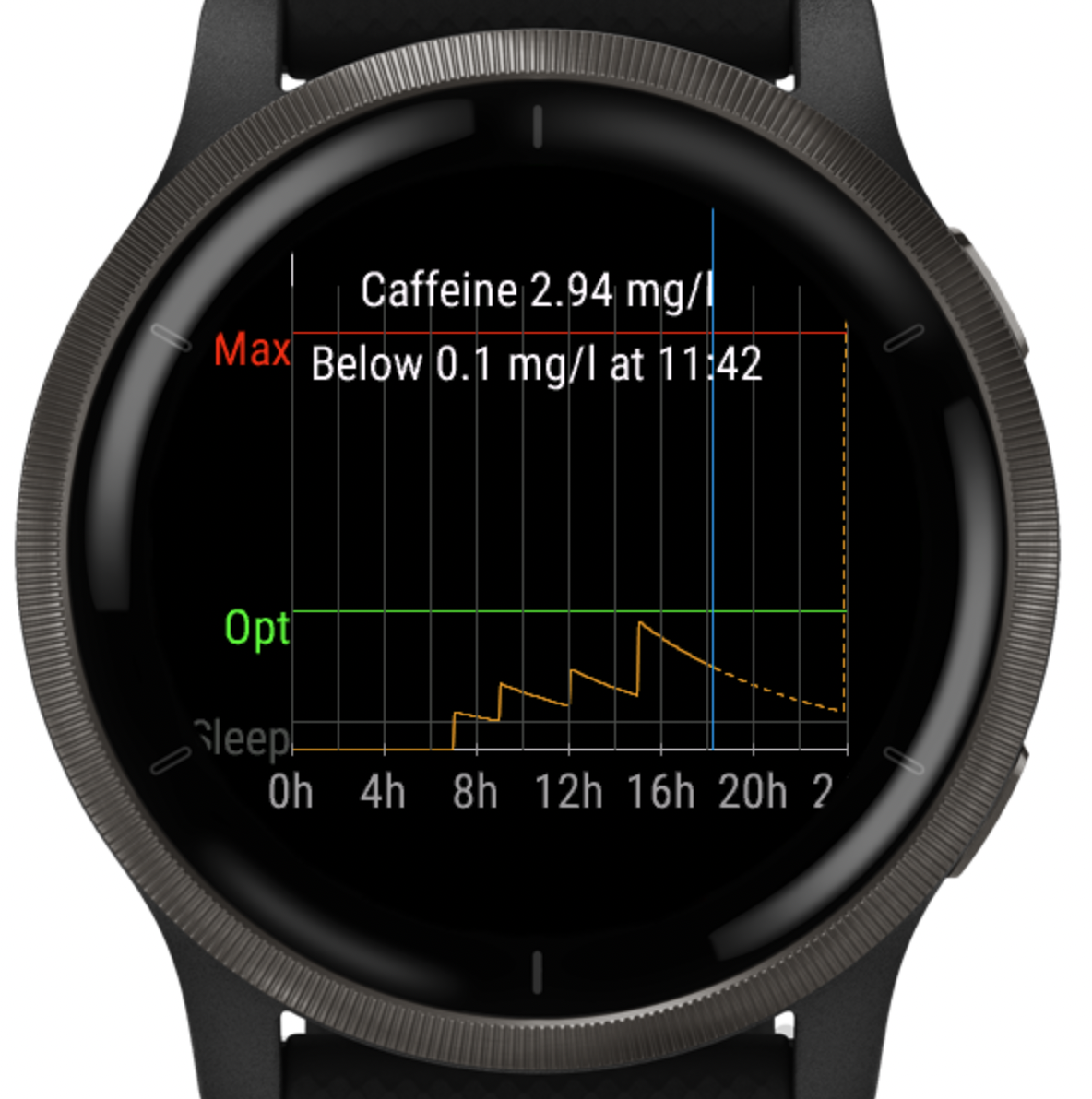
What the levels mean (thresholds)
Everyone reacts differently, but these thresholds work well as practical guideposts:
Premium sleep recommendations & settings
The Last drink time recommendation is available in Premium. It helps you decide when you can take a specific drink and still keep your caffeine low enough for sleep.
Last drink time • Caffeine threshold setting • Bed time buffer setting • Half-life presets • Custom drinks
Bed time
Your usual sleep time. By default, it’s taken from your Garmin settings. Premium uses Bed time as the reference point for sleep recommendations.
Bed time buffer (Premium)
A simple safety window before your Bed time. It exists for one reason: to prevent the app from recommending a small caffeinated drink too close to sleep.
Even if a tiny drink would technically keep you below your Caffeine threshold by Bed time, having caffeine right before sleep can still worsen sleep quality or make it harder to fall asleep.
Bed time buffer adds a “no-caffeine too close to bedtime” guardrail. It does not affect anything else in the model.
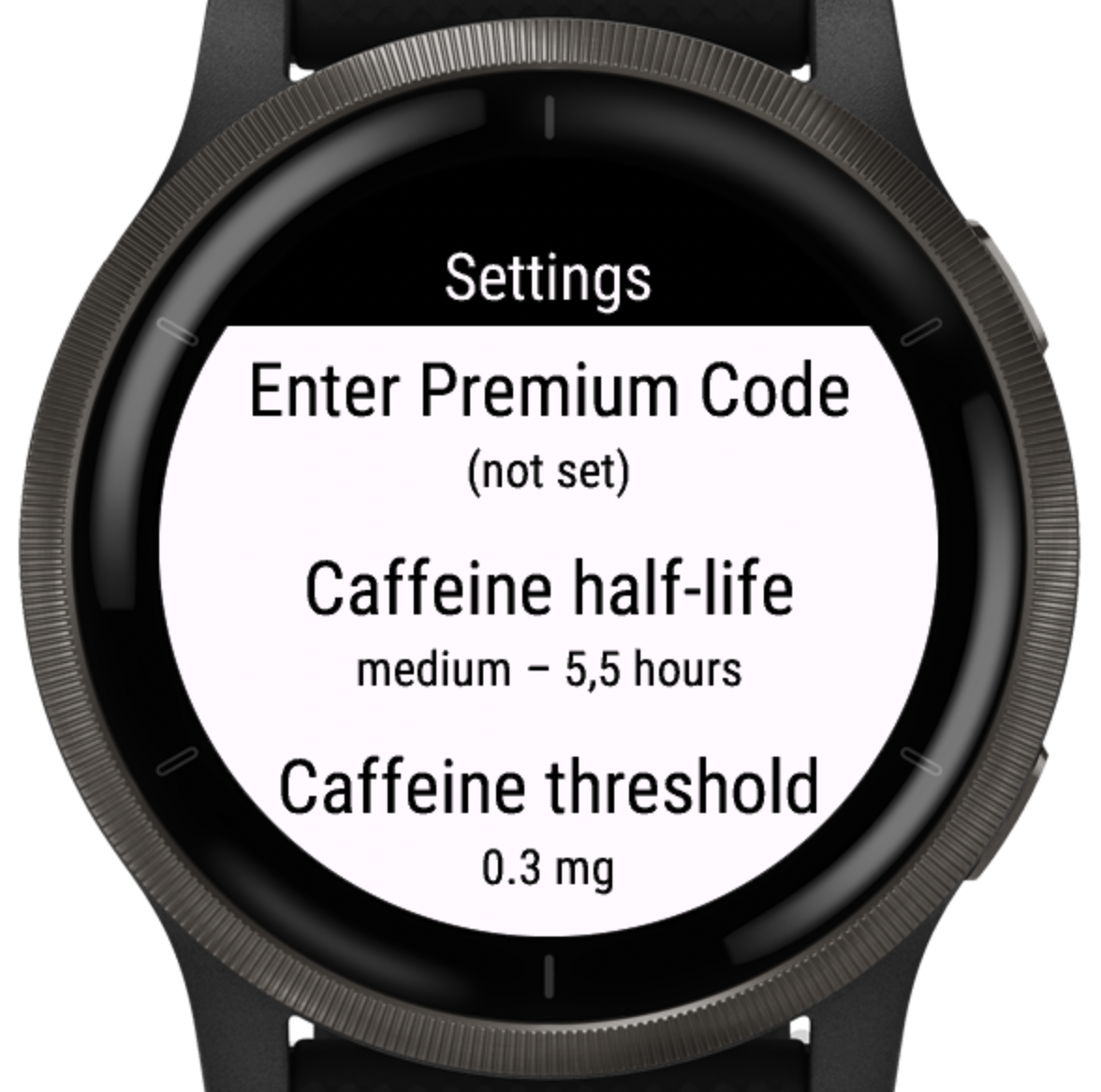
Caffeine threshold (Premium, default: 0.6 mg/L)
The sleep-safe limit Premium uses for recommendations. The app tries to ensure your predicted caffeine level at Bed time stays at or below this threshold.
- If you’re sensitive or sleep gets worse → consider lowering the threshold
- If you tolerate caffeine well and sleep is unaffected → you can slightly increase it
Caffeine half-life (Premium presets, default: 5 hours)
Half-life controls how fast caffeine decays (exponential decay). A shorter half-life clears faster; a longer half-life stays longer and pushes Last drink time earlier.
3 hours • 4 hours • 5 hours • 6 hours • 8 hours • 10 hours
Last drink time (Premium)
For each drink, Premium computes the latest time you can take it so that your predicted caffeine level at Bed time stays ≤ Caffeine threshold. Then it applies the Bed time buffer as a final guardrail, so the recommendation is never “too close” to sleep.
- Depends on your current level, half-life, threshold, and Bed time
- Also depends on the drink’s caffeine amount (especially for custom drinks)
Premium personalization
Premium unlocks advanced personalization so the model matches your habits and metabolism better:
- Last drink time recommendation (Premium) — see the latest time for a drink so you stay below your sleep-safe threshold by bedtime.
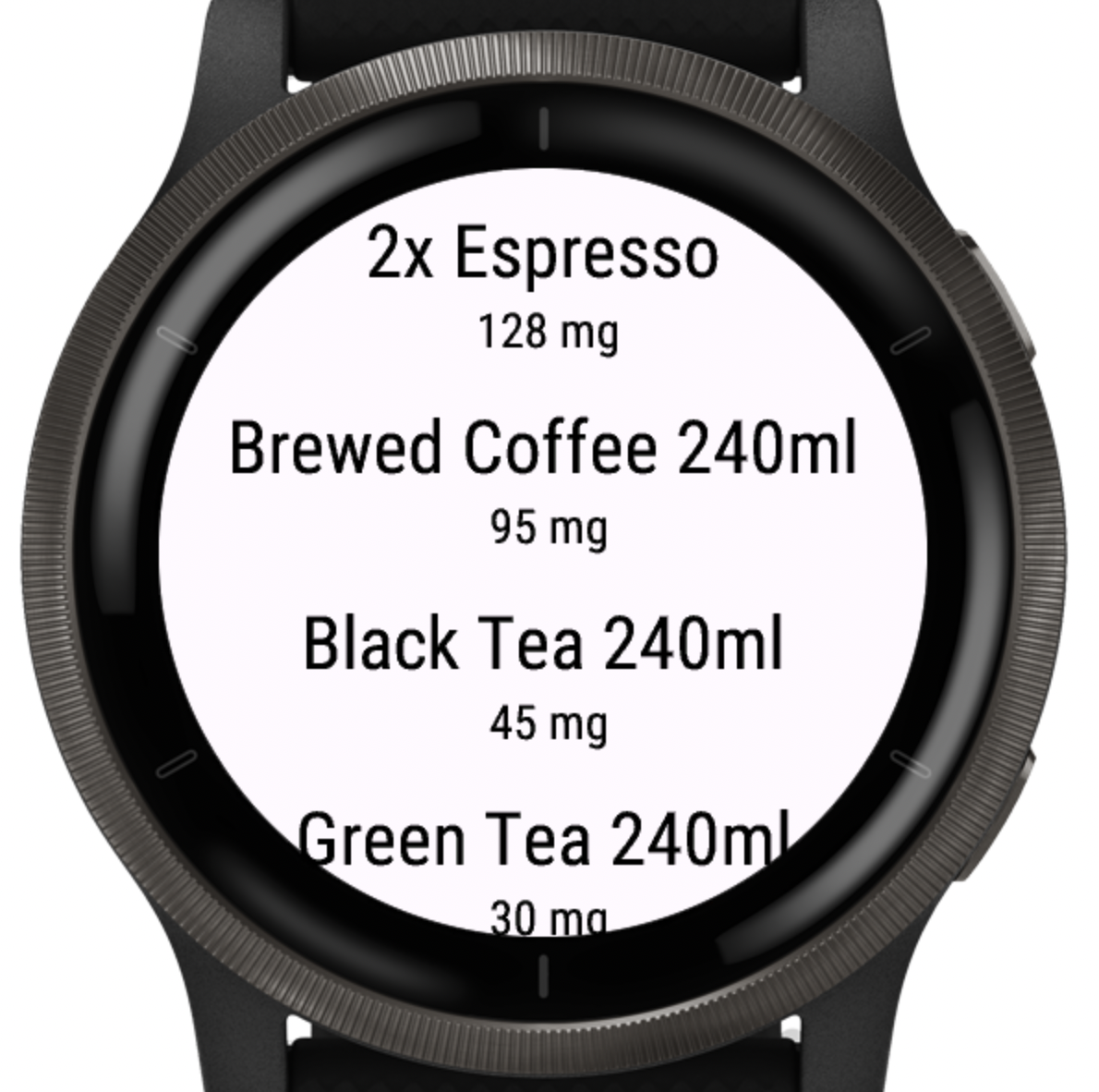
- Custom drinks & caffeine amounts (Premium) — add your own drinks with exact mg (e.g., Energy Drink 500 ml — 160 mg).
- Adjustable caffeine threshold (Premium) — choose your sleep-safe limit (default 0.6 mg/L).
- Bed time buffer (Premium) — avoid caffeine too close to bedtime (even if a tiny dose would still be below the threshold).
- Adjustable caffeine half-life (Premium) — choose one of the supported presets below.
3 hours • 4 hours • 5 hours • 6 hours • 8 hours • 10 hours
Computation algorithm (simplified)
Internally, the app keeps a running estimate of your current caffeine level and updates it whenever time passes or you log a drink. The model is based on exponential decay (half-life).
Step 1: Start with the last known level
The app stores your last computed caffeine level and its timestamp.
Step 2: Let it decay over time (half-life)
When the widget updates, the level is reduced based on how much time has passed since the last update:
levelNow = levelPrev × 0.5^(Δt / halfLife)Where Δt is time elapsed (in the same units as halfLife).
Step 3: Add newly logged drinks
When you log a drink, its caffeine amount (mg) is converted into a level increase using your body weight, and added on top of the current decayed level:
levelNow = levelNow + drinkDeltadrinkDelta is derived from the drink’s caffeine (mg) and your configured weight-based normalization.
Step 4: Predict “sleep-safe time”
To estimate when you’ll fall below a chosen threshold, the app solves the decay equation for time:
timeToThreshold = halfLife × log2(levelNow / threshold)If levelNow ≤ threshold, timeToThreshold is 0 (already below).
The app refreshes your estimate automatically (e.g., every 5 minutes), so your current level stays accurate without manual refresh.